
iOS User Interfaces with Swift UI
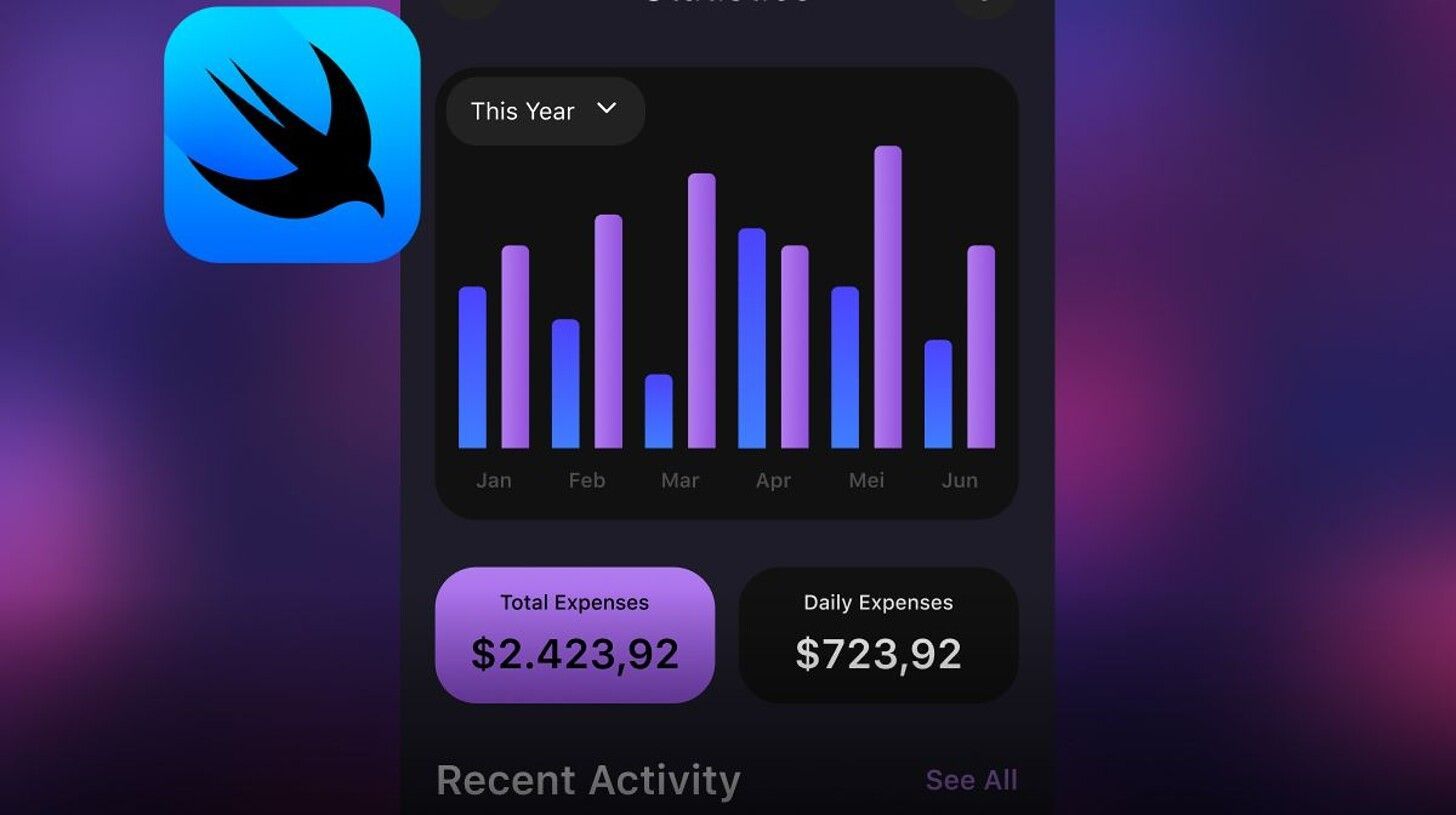
In this course you will start using SwiftUI and Xcode to develop user interfaces for iOS! You'll start by learning the fundamentals of UI design and explore the common design patters in iOS apps. Next, you'll install Xcode on your local machine and start creating views and hierarchies. You'll learn how interaction works in iOS apps deploy interactive components including buttons, forms, gestures and animations. After that, you'll take a deep dive into app navigation using stack navigation, tab navigation, and split view navigation. The course will conclude with a fun project where you'll create an event countdown app.
- Course
- Intermediate
- 16 hours
- Updated: Sep 16, 2025
Subscription · Monthly
- Cancel Anytime
- Unlimited access to hundreds of top-rated courses
- Hands-on projects with expert feedback
- Personalized career coaching and interview prep
- Program Certificates
Skills you'll learn
11 skills
- iOS View Hierarchy
- iOS Tab Navigation
- iOS Animations
- Xcode ide basics
- iOS Stack Navigation
- iOS UI Development
- Uiviews
- iOS Affordances
Prerequisites
1 prerequisite
Prior to enrolling, you should have the following knowledge:
You will also need to be able to communicate fluently and professionally in written and spoken English.
Course Outline
- 4 lessons
- 1 project
Subscription · Monthly
- Cancel Anytime
- Unlimited access to hundreds of top-rated courses
- Hands-on projects with expert feedback
- Personalized career coaching and interview prep
- Program Certificates